About Krunker Client
Join Millions of Players in Krunker: the Ultimate Cross-Platform FPS Game. The Krunker Client for Mobile lets you play Krunker with smooth desktop-like performance and optimized for mobile screen sizes. Get high FPS and...
Join Millions of Players in Krunker: the Ultimate Cross-Platform FPS Game.
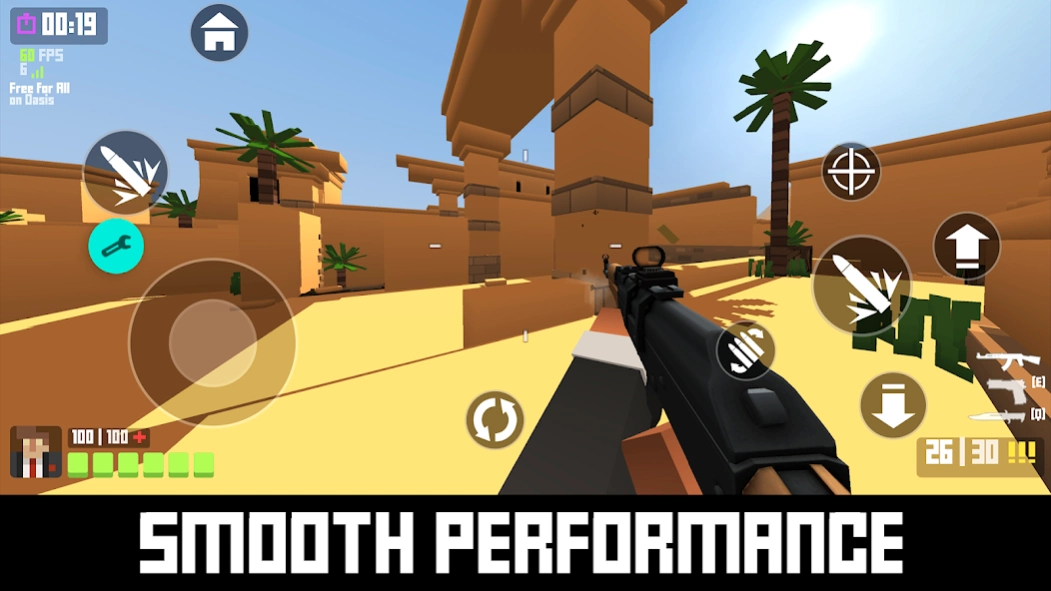
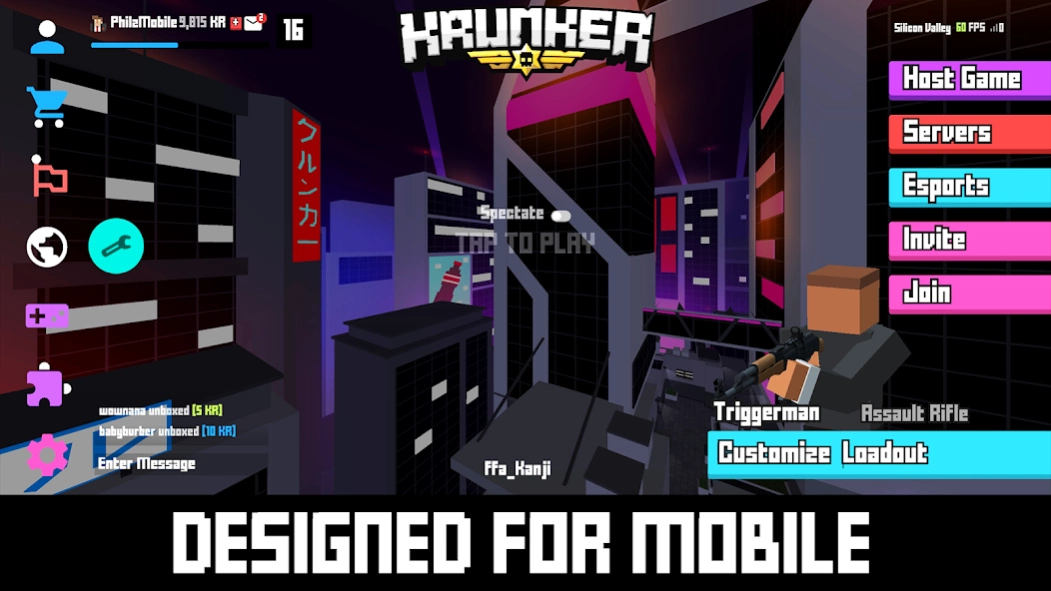
The Krunker Client for Mobile lets you play Krunker with smooth desktop-like performance and optimized for mobile screen sizes. Get high FPS and customize your controls on-the-fly.
GAMEPLAY FEATURES
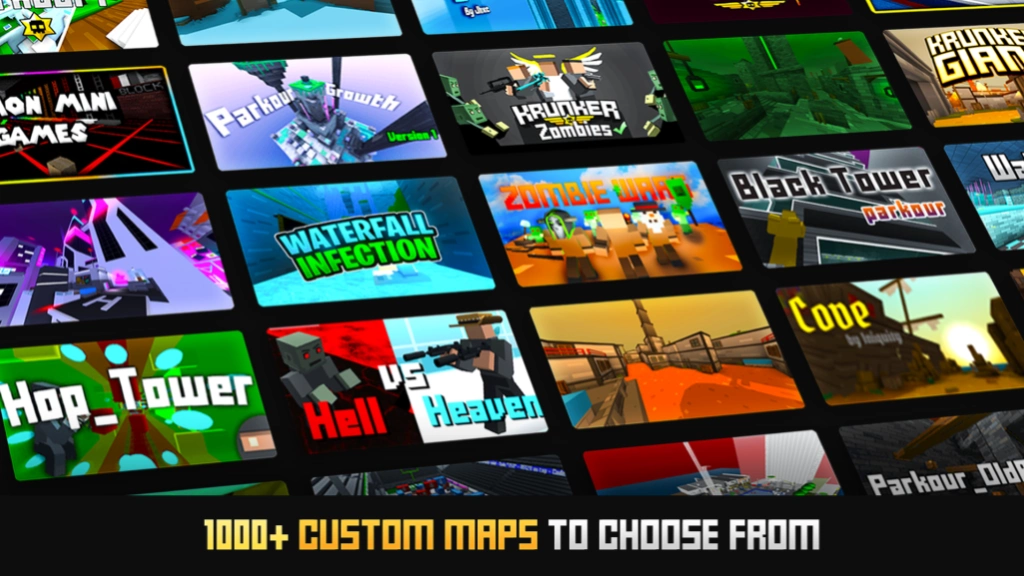
Explore 10000s of Custom Maps & Games, check on your friends' profiles, browse the Market, Trade Items, and Unlock unique Cosmetics & Skins!
Popular Modes include:
- Free For All
- Infected Zombies Mode
- Parkour Mode
- Many More!
PLAY KRUNKER ANYTIME, ANYWHERE FOR FREE
-Get the same great Krunker experience and can play with anyone, whether they're on a PC, Mac, or Chromebook, Android or iOS device.
-No Sign-up Required to Play!
CUSTOMIZE YOUR MOBILE CONTROLS & MORE
The Krunker Client has built-in special features so you can compete with anyone. Control your layout with precise sliders without even having to leave your game!
-Access the mobile tools window by tapping the floating button from anywhere in the app.
-Use the sliders to adjust the vertical and horizontal position of each button. You can also adjust the opacity and the size of the buttons.
-Change the transparency for each button or hide them completely (if you are using a controller).
-Button layout changes are saved automatically. You can reset to default settings by clicking the “RESET” button.
-Build-in additional features like the restart button help you find a new lobby, apply graphics setting changes, or troubleshoot more easily.
Note:
-If you experience an error, please restart the app.
-There may be temporary framerate drops and other glitches upon a new app install due to the initial asset loading. These issues should go away within a few minutes of playing the game.
-If you have limited data, it is recommended to play on Wi-Fi.
* A network connection is required to play Krunker.io
** Note that the Krunker Client for Mobile is in the Beta stage
*** Dedicated Servers in 12 Regions Worldwide
Copyright, Trademark by Yendis Entertainment Pty Ltd / Yendis AG - terms & conditions apply see krunker.io
Previous Versions
Here you can find the changelog of Krunker Client since it was posted on our website on 2020-12-13 09:00:03.
The latest version is 1.2.0 and it was updated on 2026-10-08 11:05:18. See below the changes in each version.
Krunker Client version 1.2.0
Updated At: 2021-07-21
Changes: Updated CSS to match new Krunker theme. Combined Krunker App coming soon!
Krunker Client version 1.1.9
Updated At: 2021-05-10
Changes: Updated CSS for in-game menus.
Krunker Client version 1.1.8
Updated At: 2021-04-29
Changes: Updated mobile menus / fixes to overlapping elements.
Krunker Client version 1.1.7
Updated At: 2021-04-02
Changes: - Updates to game styling. Captcha & Bug Fix.
Krunker Client version 1.1.5
Updated At: 2021-02-17
Changes: == UPDATE 1.1.5 ==
- Added Knife Swap.
- Potential fix for crash involving certain slider values (max/min) crashing on some Android versions.
Krunker Client version 1.1.4
Updated At: 2021-02-11
Changes: == UPDATE 1.1.4 ==
- Fixed Captcha issue that prevented some players from being able to enter game.
- Various improvements to the UI.
- Addressed issues that were causing crashes for some players.
Krunker Client version 1.1.3
Updated At: 2021-01-13
Changes: == UPDATE 1.1.3 ==
- Fixed an issue of Catcha being non-scrollable / inaccessible.
- Added 'QUIT' button to exit the app.
- Network and performance improvements.
- Mobile Tools Window layout improvements.
Krunker Client version 1.1.2
Updated At: 2021-01-06
Changes: == UPDATE 1.1.2 ==
- Updated Krunker Social styles.
- Network optimizations.
- Fixed restart button.
== UPDATE 1.1.1 ==
- More fixes to chat.
Krunker Client version 1.1.1
Updated At: 2021-01-05
Changes: == UPDATE 1.1.0/1.1.1 ==
- Addressed a bug related to hiding/showing the soft keyboard.
- Made chat visible in-game in a smaller window (useful for trade lobbies). To disable in-game chat, use the Focused chat box setting. Note: chat input box is not clickable in-game because it can interfere with touch input while gaming. Access chat input while on menu.
- New codebase: It should help with crashes but will be monitoring closely.
- Home button fixed, Improvements to touch response.
Krunker Client version 1.0.8
Updated At: 2020-12-23
Changes: -Potential fix for stuck-joystick implemented
-Made Social more mobile-friendly
-Performance optimizations
Disclaimer
External Download
We do not host Krunker Client on our servers. We did not scan it for viruses, adware, spyware or other type of malware. This app is hosted by Galad and passed their terms and conditions to be listed there. We recommend caution when installing it.
The APK Download link for Krunker Client is provided to you by apps112.com without any warranties, representations or guarantees of any kind, so access it at your own risk.
If you have questions regarding this particular app contact the publisher directly. For questions about the functionalities of apps112.com contact us.